5 Practical Ways AI Can Upgrade Your Security Awareness (without replacing you)
 Feb 9, 2026


Last year, we were asked to give an awareness presentation to a group of girls aged 9-11 years old about the different roles in cybersecurity.
This was much more scary than talks at conferences we’ve done before, as we would have a room full of pre-teenagers that needed to be engaged and enteratined for a workshop AND leave inspired to join the cybersecurity industry!
We regularly look at how we can leverage new skills to speed up our processes and so we reviewed what the current state of AI had to offer to help us.
Below are five practical ways that we leverage AI to aid us in the creation of security awareness presentations, adding excitement, eagerness and clarity, while using other mediums to make workshops more interactive. Your mileage with each of the tools may vary.
1. Ideation/Creative

With a deadline set, it was first trying to understand what would a group of young girls at that age really know (or want to know) about cybersecurity. So we turned to friends and family to garner information from teachers, nieces and nephews to figure out what would interest them? Initially it seemed to widely vary between schools of what gets taught, and what gets learnt by exposure online. Some topics we felt it wasn’t our place to have that conversation with them, so we turned to AI to come up with some topics that might be suitable.
We tried a variety of different AIs out there (e.g. Google’s Gemini, Microsoft Copilot, OpenAI’s ChatGPT), gave it the same prompt and let it generate a set of different ideas or topics we could do for a workshop. Some results we noticed would have been way too in-depth for teenagers where as others were too high-level and were considered boring (after asking nephews to validate the ideas).
In the end, we pulled together some concepts from our previous experiences and background, but the ideation phase no doubtedly helped to get the creative juices flowing and the mind to switch into creative/ideation mode.
A few of the tools we have used in the past are:
2. Image Generation

Once we had our concepts and had started to flesh out what we would do in the workshop, we found that we would need images for specfic parts of the presentation. Again we turned to AI, and within minutes, had provided suitable prompts to generate realistic looking images that worked for part of the narrative.
This is something that we do regularly use, although we have found prompts are key if you want to match a specific tone or get a set of images that look similar, say for a series of articles. Also different AI can give widely different results, so rather than spending large chunks of time trying to perfect your prompts, instead try another, as sometimes the other models might just get it right on the first try.
A few of the tools we have used in the past are:
3. Audio Generation
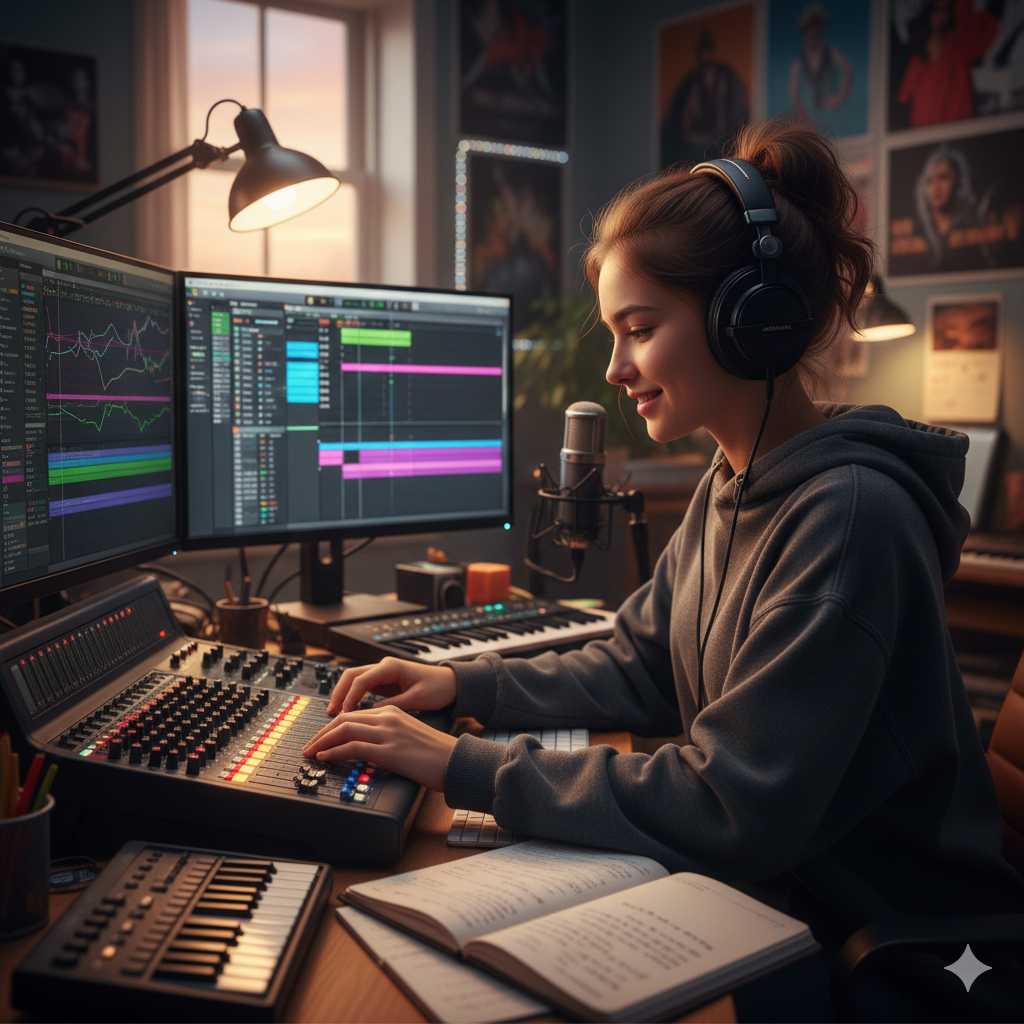
Your initial reaction to the title of this section is likely “When would I ever need to generate audio for a presentation?”. Let’s say you needed a voice to say something - for example to demonstrate what a social engineering call might sound like - you can use text-to-speech (TTS) software to be able to take sentences/paragraphs you’ve generated, perhaps from your AI prompts, and get this turned into audio that you can insert into your narrative.
There are plenty of different online avatars/voices to choose from so you are likely to find a voice that matches what you are after. You can make your own voice clones but of course be aware of attemptng to clone other people’s voices and the legal/privacy impacts that has in your country.
A few of the tools we have used in the past are:
Note: Make sure when generating audio, you keep a note of the settings used, incase you need to go back and change something with the speed, pitch or input text, so you don’t have to replace all audio within your presentation.
4. Video Generation
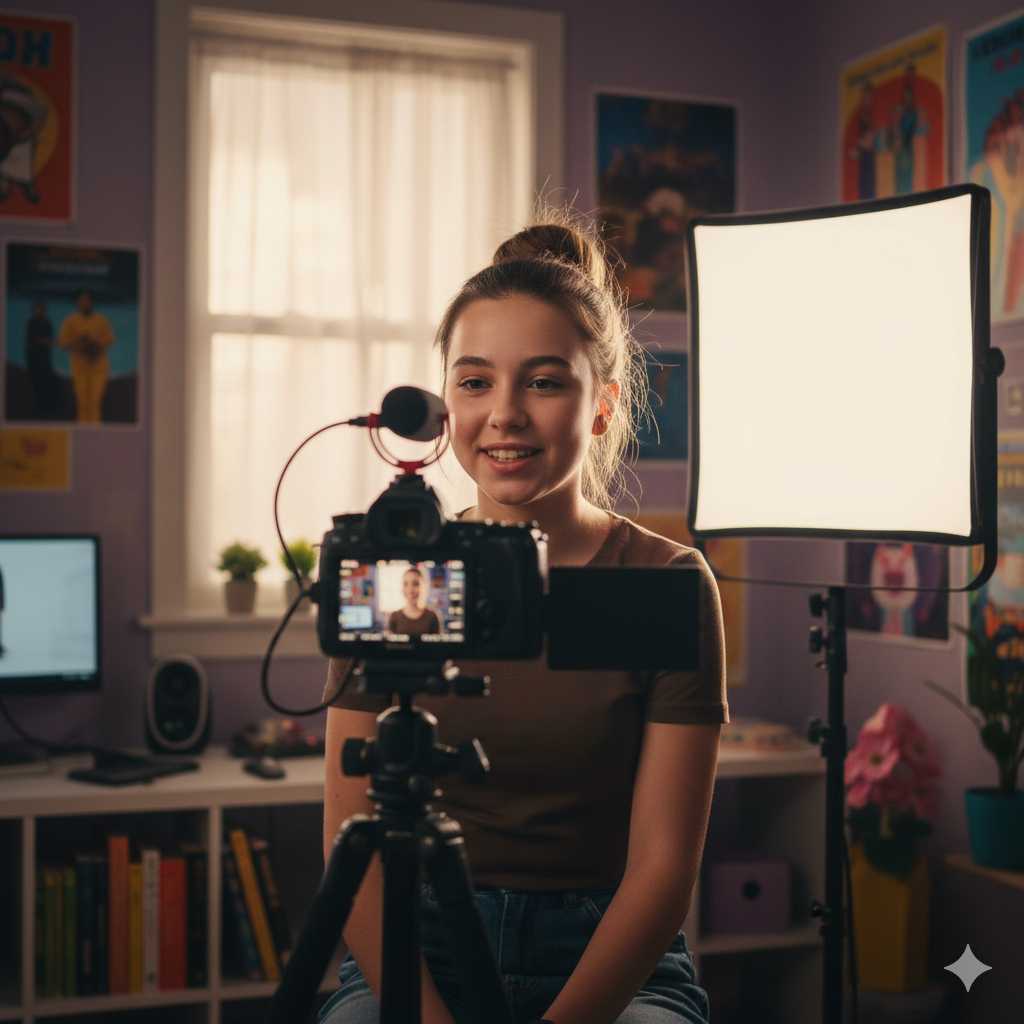
So this is taking things a step further. Generating videos can be used for a variety of reasons, from generating memes to realistic clips to save you from having to do all of the talking. In our case, we wanted to create a realistic scenario with people involved in an active incident from a fictitious company, to try and covey the drama. For this, we needed not only realistic looking avatars, but lip syncing to the text we wanted them to say with believable voices.
Although the free versions weren’t perfect, they definitely were believeable and we can see would only get better with time as the models improved. Of course you could pay for the pro versions, but for our purposes the basic versions did the job.
A few of the tools we have used in the past are:
5. Video Face Swap

If you’d like to keep your feet nice warm and toasty underneath your desk, having a GPU that can do some of the leg work of processing for real-time face swapping is a must. This allows you to do real-time video calls with people and to swap out your face for someone else’s (use your imagination here), or use it to protect the privacy of individuals in video clips.
This can require a bit of setup and playing with to get started, but once implemented can be a useful tool to generate a live stream or clip for your specific purpose.
A few of the tools we have used in the past are:
Summary
We’ve looked at five ways you can put AI to good use to help upgrade your security awareness presentations.
In this follow-on post, we go through the presentation that was created and provide the resources to be used for free.